Option 1 of 3
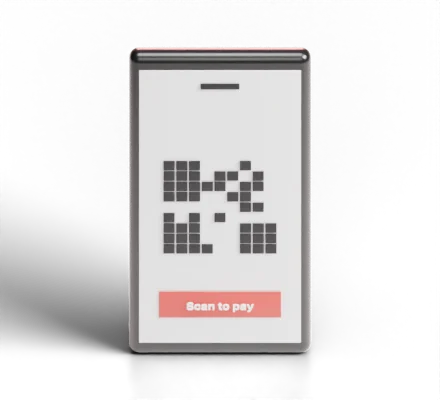
Your own UPI QR
For testing an idea or a vibe-coded product. No company, no GST, and no merchant QR needed to start.
Who does what
- 01You
Share your UPI ID
The UPI ID you already use. A merchant QR is optional; we can help you get one later.
- 02You
Confirm it is yours
Add it in your dashboard. The name on it must be yours.
- 03Phinx
We add it to checkout
A pay-by-UPI button and QR on your checkout, with the order amount.
- 04Phinx
We test it with you
A small test payment, so you see it land in your own account.
- 05You
Customers pay you
They scan or tap to pay. The money goes straight to your account.
- 06Phinx
We watch the limit
Before you near the testing limit, we tell you and help you move up.
3 of 6 steps are yours. Everything else is done for you.
What you need
- Your UPI ID, in your own name
- Nothing else to start
- Optional: a free merchant QR (PhonePe Business, Paytm Business or similar) for your business name and payment alerts
Where the money goes
Customer → your UPI → your bank account. Phinx is not in between.
Good to know
- Built for testing: up to ₹50,000 a month and ₹5 lakh a year in sales
- Income you earn is taxable. You are responsible for your own taxes
- Your UPI is in your own name, so only you receive the money
Ready when you are
Your money always goes to you. Phinx builds and runs your site and never touches your sales.
Phinx is a product of Sojaru Corp LLP. Sojaru provides website and technology services and does not collect or process payments on behalf of creators. This page is general information, not tax or legal advice.